Free photo checker and fixer · US passports, visas and USCIS forms
US Passport, Visa & USCIS Photo Checker & Maker: Compliant 2x2 Photos Online
Check your photo before the government does. And when it fails, we make you a compliant USA passport or visa photo on the spot, 100% matched to every published rule, previewed free. Photos get rejected for a handful of boring reasons. Head too big. File too heavy. Not actually square. Drop yours in and see exactly where it stands against the real rule for your document. Takes seconds, costs nothing, and the photo never leaves your device.
- Free checker, no signup
- Free check runs on your device
- Every rule from the official source
Rules sourced from travel.state.gov · Foreign Affairs Manual 8 FAM 402.1 · USCIS form instructions. Independent site; not affiliated with any agency.
 Will your photo pass?
Drop your photo here
or paste from the clipboard · result in seconds
Full requirement: DS-160 photo requirements
Four steps. No account.
This is the whole process. No signup, no account, no emailing your face to a stranger's server.
1. Take or pick a photo
A phone photo against a plain wall works. No studio needed.
2. Drop it in
Choose your document and add the photo. It stays on your device.
3. See what passes
Each published figure checked line by line, with the exact number when something fails.
4. Get it compliant
The maker crops, resizes and compresses to the rule, with a printable sheet.
US passport photo requirements
The whole rule fits in one paragraph. Everything else you have read is elaboration, and some of it is wrong.
A US passport photo is 2 x 2 inches (51 x 51 mm), square, with the head measuring 1 to 1 3/8 inches (25 to 35 mm) from the bottom of the chin to the top of the head, on a plain white or off-white background, printed on matte or glossy photo quality paper, and taken within the last 6 months.
Two numbers you will find on other sites simply do not exist. There is no eye-height rule for a US passport photo, and no 300 DPI rule for prints. Both got copied over from the visa spec years ago and have been recirculating ever since. And do not run the photo through an editing app: State prohibits software, filters and AI outright, and says it checks.

US visa photo sizes: DS-160, DS-260 and the DV lottery
Three documents, three different answers. Get the wrong one and the upload bounces, or worse: a DV entry with a bad photo is not corrected, it is disqualified.
DS-160 digital upload
Square JPEG, at least 600 x 600 and at most 1200 x 1200 pixels, 240 KB or less. If the upload fails, a printed 2 x 2 inch photo goes to the interview instead.
Full requirementDS-260 printed photos
No upload at all. Two identical printed 2 x 2 inch photos are brought to the immigrant visa interview.
Full requirementDV lottery entry
Exactly 600 x 600 pixels, JPEG, 240 KB or less. A photo that misses the specification or was used in a prior year can make the entry ineligible.
Full requirementPassport vs visa vs DV vs USCIS: the same photo, four different rules
Most rejected photos are correct photos submitted under the wrong rule set. This is the whole landscape in one table, straight from the instructions.
| Rule | US passport (paper) | DS-160 visa | DV lottery entry | USCIS forms |
|---|---|---|---|---|
| Submitted as | 1 printed photo | 1 digital upload | 1 digital image per person on the entry | 2 identical prints, where required at all |
| Size | 2 x 2 in (51 x 51 mm), matte or glossy | 600 to 1200 px square JPEG | exactly 600 x 600 px JPEG | 2 x 2 in, thin glossy paper |
| File limit | No pixel or DPI rule exists for prints | 240 KB or less | 240 KB or less | Not published |
| Head height | 1 to 1 3/8 in (25 to 35 mm), chin to top of head | 50 to 69% of frame height | 50 to 69% of frame height | 1 to 1 3/8 in, hair top to chin |
| Eye line | No rule exists | 56 to 69% from the bottom | Not separately published | 1 1/8 to 1 3/8 in from the bottom |
| How recent | Last 6 months | Last 6 months | Last 6 months, and never reused from a prior year | Taken recently; 30 days for I-485 and I-129F |
| If it is wrong | Application put on hold for a new photo | Upload rejected; bring a print to the interview | Entry can be disqualified | Processing delay, possible identity appointment |
The one that surprises people: reusing last year's DV photo does not get your entry corrected, it gets it thrown out. And the eye-line rule everyone quotes for passports belongs to the visa column.
Check your photo against your columnUSCIS photo requirements: not every form takes a photo
Here is the part nobody tells you: several USCIS forms do not want your photos at all, and one of them tells you flatly not to send any. Before you order prints, check which column your form is in.
Nothing is submitted by you. The photo happens at a biometrics appointment.
Needed only in specific circumstances, usually residence outside the US.
- 2x2 photo
- USCIS photos
- N-400
- N-565
- + 4 more
Submit photos with the filing. Counts and recency differ by form.
- US passport
- US visa
- DS-11
- DS-82
- + 7 more
The rules, wherever you start
Whether you searched for passport photo rules, passport picture requirements, passport photo guidelines, or passport photo requirements in the USA, the answers on this site are the same verified set, quoted from the official sources with the date each was checked. Start where your question starts: how many photos you need, the passport photo size in inches and cm, how to take a passport photo at home, where to get a passport photo (and what each store charges), or the digital passport photo that online renewal takes instead of prints.
What the full check catches
Rejections cluster around the same few mistakes, and none of them are about camera quality. The rules call these out by name: shadows on the face or the wall, backgrounds that are almost white but not white, glasses (barred in visa photos since November 2016), a head too large or too small for the band, filters and editing, and photos old enough that they no longer look like you. Every one of them is fixable before you file, and half of them are fixable by stepping back from the wall and turning off the overhead light. The complete checklist, reason by reason, is on the rejected passport photos page.
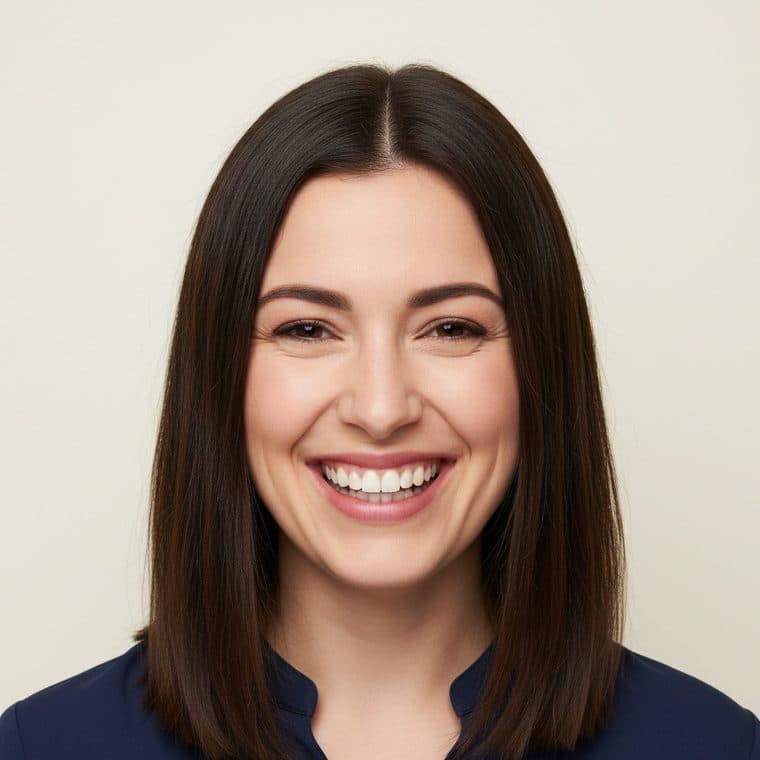
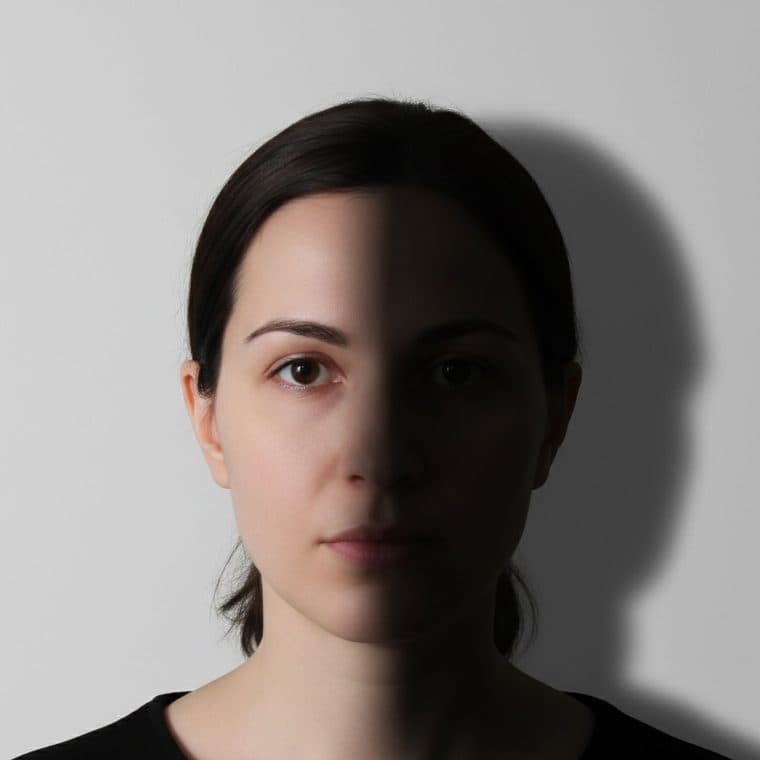
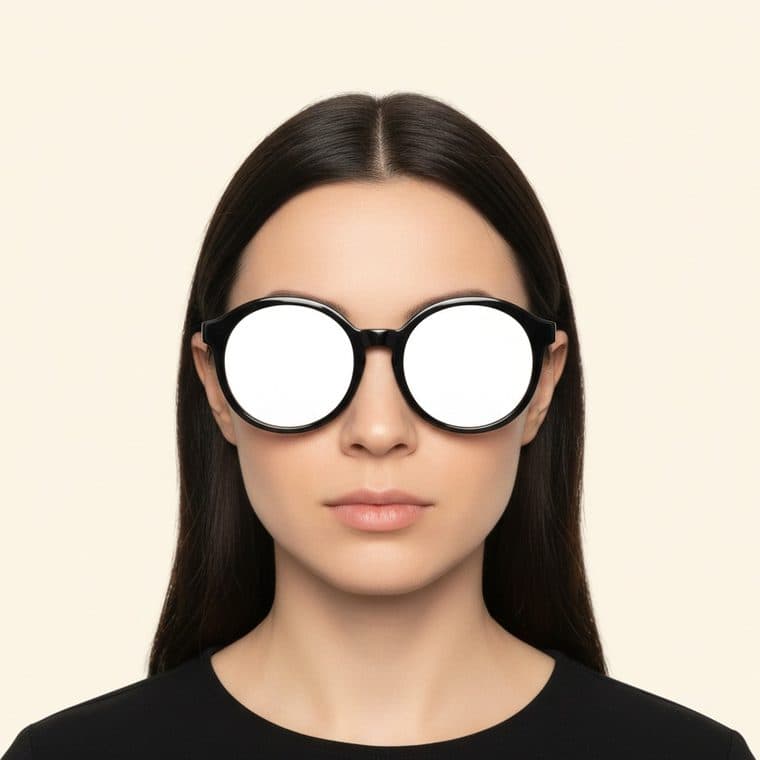
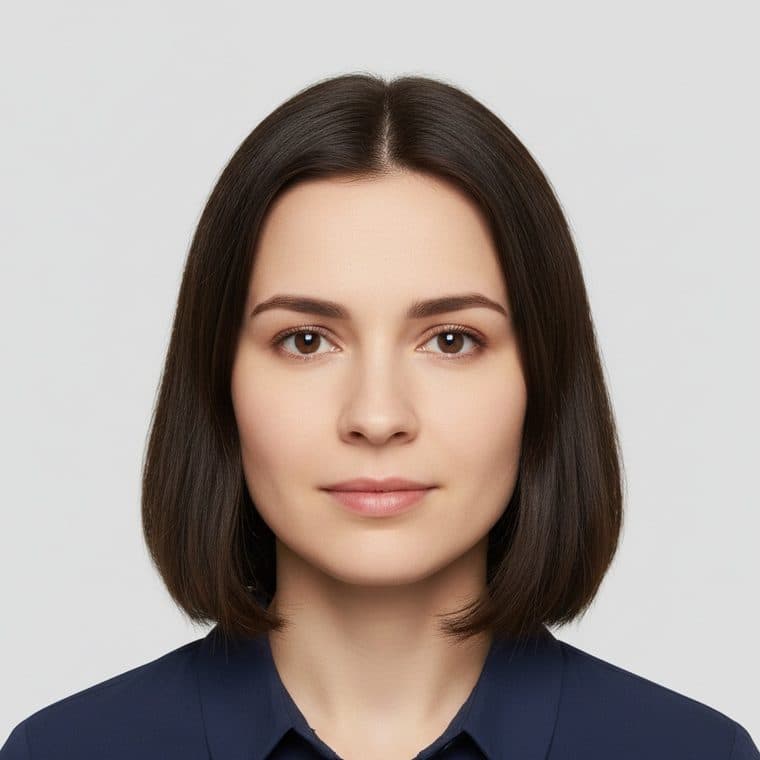
The passport photo maker: if it fails, we fix what the rules let us fix
One click: the head lands inside the published band, the frame becomes exactly what your document asks for, and the file drops under the limit. Then the fixed photo runs back through the same checks in front of you, so you are not taking our word for it. What we never retouch is your face, because the rules say exactly that.
We make 100% compliant US passport and visa photos, matched to every figure the government publishes. Use it as a free passport photo maker online (the preview costs nothing), a passport photo converter that turns a phone picture into the exact published format, a 2x2 photo converter for USCIS prints, a US visa photo tool for the DS-160's pixel rules, or a passport photo cropping tool that places the head inside the official band. One engine, 19 US documents, and a 24-hour money-back guarantee on every paid photo.
Whatever you call the thing you need, this is it: an online passport photo you can check free before paying a cent, a passport picture (or passport pic) sized to the real rule, a 2x2 passport photo online with the free preview, a US passport photo tool and USCIS photo tool in one, a way to create a passport photo online free of guesswork with a passport photo example of every failure. And on AI: the background is replaced by AI where a document's rules allow it; your face is never AI-generated or retouched, because the State Department requires unedited photos and says it checks.
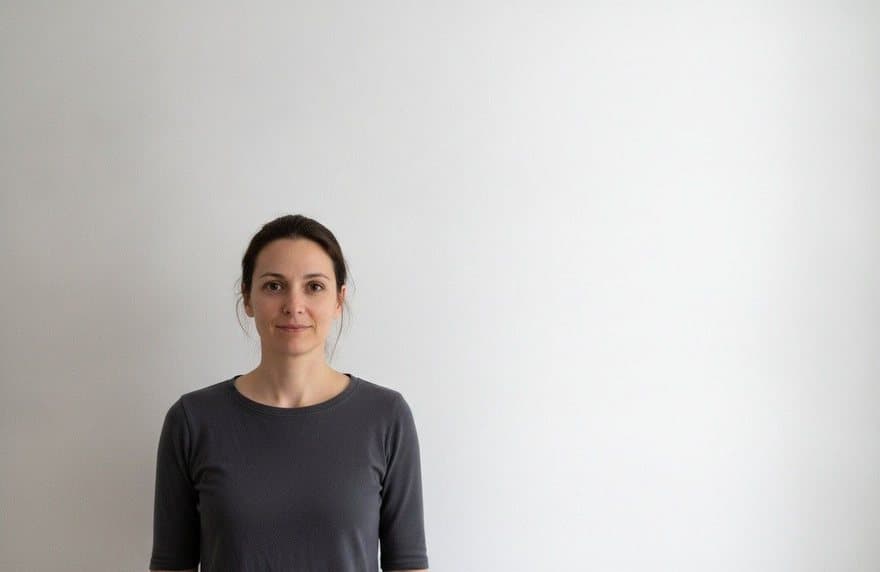
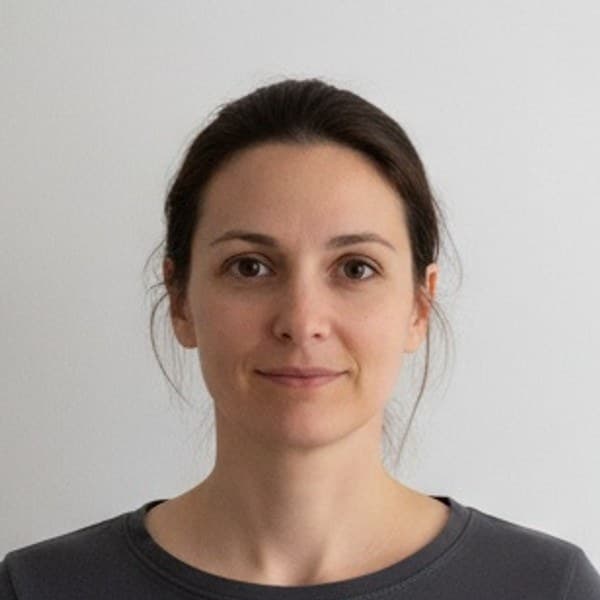
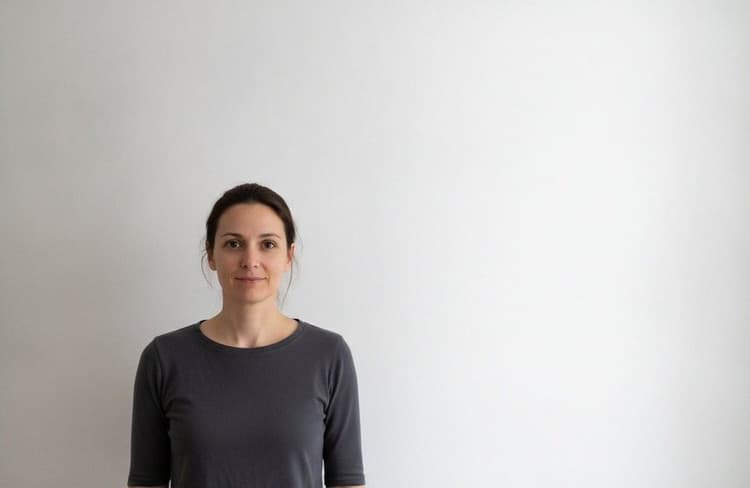 original
- File formatJPEG is accepted
- Pixel dimensions800 x 800, inside 600 to 1200
- SquareHeight equals width
- File size312 KB, over the 240 KB limit
- FixedCompressed to 218 KB, quality preserved
Framed to the band
Head at the published 50 to 69 percent of frame height.
Sized to the figure
2 x 2 inches at 300 pixels per inch, or the exact pixels your document publishes.
Under the limit
Compressed beneath the published file ceiling.
Live now for the digital specs: DS-160, DV lottery and 2x2. Print sheets and the full face analysis are next.
Try it on your photoEvery document, one page each
Each page carries the full verified rule: the figures, the verbatim editing rule, what the official source does not say, and the diagram drawn from that document's own numbers.
Department of State
Questions everyone asks. Answers with sources.
How can I check my passport photo online for free?
- Select your document and drop your photo into the checker. It compares the photo against the officially published rule for that document, including file format, file size, pixel dimensions and square aspect, and it runs in your browser so the photo is never uploaded to a server.
What size are passport photos in the US?
- A US passport photo is 2 x 2 inches (51 x 51 mm), with the head measuring 1 to 1 3/8 inches (25 to 35 mm) from the bottom of the chin to the top of the head, on a plain white or off-white background, taken within the last 6 months.
What size is a US visa photo in pixels?
- A US visa photo uploaded with the DS-160 must be square, at least 600 x 600 pixels and at most 1200 x 1200 pixels, in JPEG format at 240 KB or less. A Diversity Visa entry photo must be exactly 600 x 600 pixels.
Is a green card photo the same as a passport photo?
- No. Since December 12, 2025, you cannot submit your own photo for the green card itself; USCIS captures it at a biometrics appointment. The two photos filed with Form I-485 are passport-style 2 x 2 inch prints, which is where the confusion comes from.
Does every USCIS form need photos?
- No. Several USCIS forms require no photo at all, including Form I-90, and Form I-589 instructs asylum applicants not to send passport-style photos. Forms N-400, N-565 and N-600 require photos only if you live outside the United States.
Can you smile in a passport photo?
- A natural smile is acceptable in a US passport photo, but teeth must not show: the State Department's guidance is to use a neutral facial expression or a natural smile, and to avoid showing teeth. For US visa photos the standard is stricter, a neutral expression with the mouth closed.
Can you wear glasses in a passport photo?
- No. The State Department instructs applicants to take off eyeglasses, sunglasses and tinted glasses for the photo. Glasses have also been barred in US visa photos since November 1, 2016. The only exception is medical, with a signed statement from a doctor.
Can you wear earrings or piercings in a passport photo?
- Yes. The State Department's passport photo guidance allows jewelry and facial piercings as long as they do not hide your face. Unlike eyeglasses, there is no rule requiring you to remove them.
What should you wear for a passport photo?
- Normal daily clothing. You cannot wear a uniform, clothing that looks like a uniform, or camouflage. Hats and head coverings must come off unless worn daily for religious reasons, with a signed statement, or for medical reasons, with a doctor's statement, and a permitted covering must be one color, unpatterned, and must leave the full face visible with no shadows.
Can you take your own passport photo?
- Yes. No published rule requires a professional photographer, and the State Department's own guidance describes taking the photo yourself: stand facing the camera against a plain white or off-white background, remove glasses and hats, use even lighting with no shadows, and submit the original, unedited file.
How recent does a passport photo have to be?
- Taken within the last 6 months for US passports and visas, and it must still look like you. USCIS form instructions say only taken recently, with two exceptions: spouse petitions (Form I-130) and Form I-129F both carry a 30-day rule.
Can you wear a hat or head covering in a passport photo?
- Not unless it is worn daily for religious reasons, with a signed statement, or for medical reasons, with a doctor's statement. That covers daily religious garments such as a hijab, turban or yarmulke. A permitted covering must be a single color with no pattern, and the full face must be visible with no shadows.
What background color does a passport photo need?
- Plain white or off-white, free of shadows, texture, lines and objects. Gray is not white or off-white. The State Department's own fix for a colored wall is to hang a white sheet over it and stand several feet in front so your shadow falls out of frame.
Do baby photos follow the same rules?
- Same 2 x 2 inch frame, with real carve-outs for infants: partially or completely closed eyes are acceptable for a newborn, the head may be discreetly supported, and head tilt is tolerated. The hard rule is that no other person's face or hands may appear in the photo.
Can a passport photo be edited or made with AI?
- No. The State Department says not to change the photo using computer software, phone apps or filters, or artificial intelligence, and states that it checks all photos for AI tools. USCIS requires photos to be unmounted and unretouched, and defines unretouched as not edited or digitally enhanced.
Is an AI passport photo maker safe to use?
- It depends entirely on what the AI edits. Replacing the background with compliant white is standard practice and is what this site's maker does where a document's rules allow it. AI that generates or retouches your face is the unsafe kind: the State Department requires the original, unedited photo and states that it checks all photos for AI tools, so an AI-beautified face is a rejection waiting to happen.
Ten seconds now, or three weeks of resubmission later
An unacceptable photo puts the whole application on hold. The check is free and your photo stays on your device.
Why trust this site
Every rule on this site comes from an official document. Not from another photo site, not from memory: the actual instructions, read and re-checked, with the receipts public. How we verify every figure
All 23 requirements traced to travel.state.gov, the Foreign Affairs Manual and USCIS form instructions, including the places where the government contradicts itself. When a number does not exist, we say so instead of inventing one.
See every source we cite