Photo maker · passport, visa & USCIS
US Passport & Visa Photo Maker (Create 100% Compliant Photos)
Turn a phone photo into a compliant US passport, visa or USCIS photo: head placed inside the officially published band, compliant white background, exact dimensions for your document, file size under the limit, and a printable 4 x 6 sheet with six 2 x 2 copies. Built on the same published rules the free checker verifies against.
- Free watermarked preview
- Your face is never retouched
- 19 US documents covered
- 24-hour money-back on paid photos
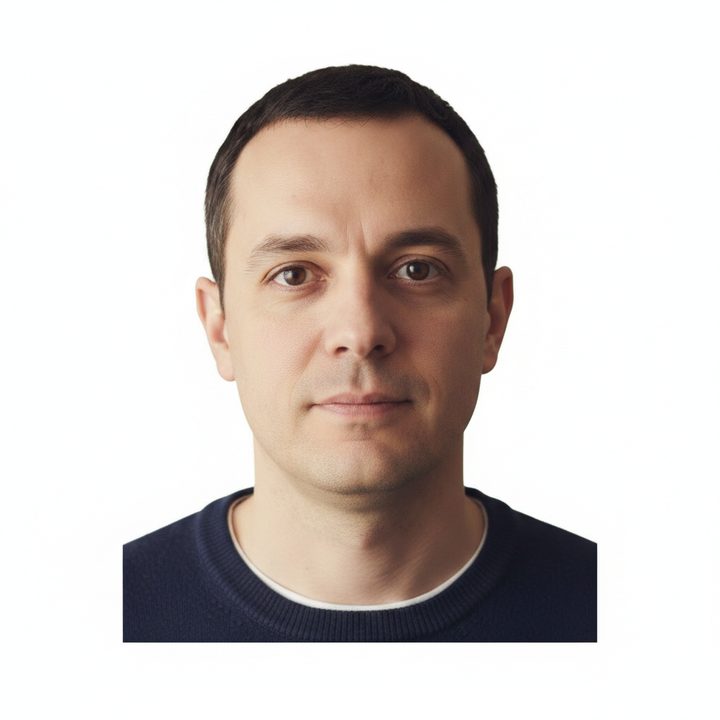
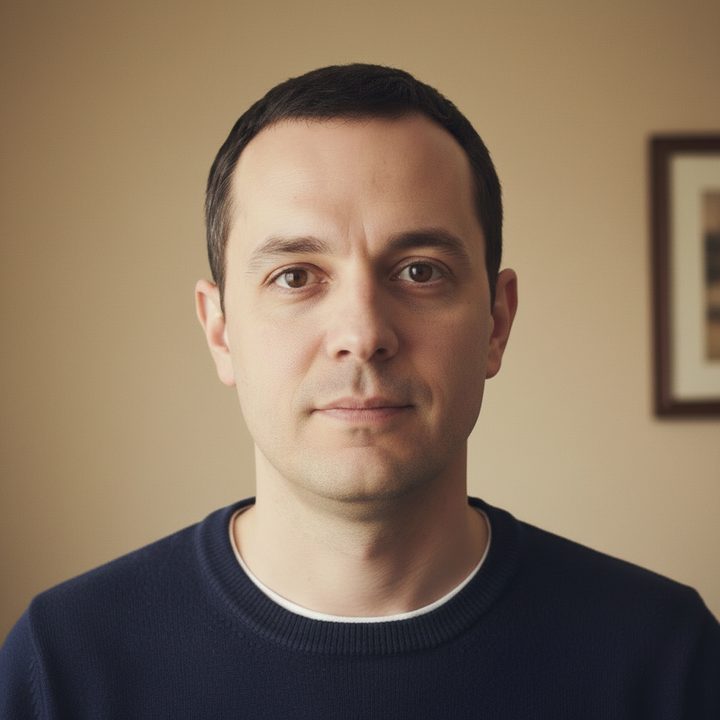
 Will your photo pass?
Drop your photo here
or paste from the clipboard · result in seconds
How to make a passport photo online
- Take the photo: stand facing the camera against a plain white or off-white wall, in even light with no shadows, glasses and hats off. A phone camera is enough; the State Department's own guidance describes taking it yourself.
- Pick your document above and drop the photo in. The file rules are checked first, free.
- Click Make it compliant. The maker detects the face, crops the head into the published 50 to 69 percent band, sizes the frame to your document, compresses under its limit, and replaces the background with compliant white where editing is allowed.
- Review the free watermarked preview. The $9.99 photo is the same file clean: full resolution, no watermark, with the 4 x 6 print sheet, by instant download and email. For what pharmacy counters charge for less, see what a passport photo costs in 2026.
How to take a passport and visa photo at home
The photo itself is the only part the maker cannot do for you, and the State Department's own guidance describes taking it yourself. Three things decide whether the shot works:
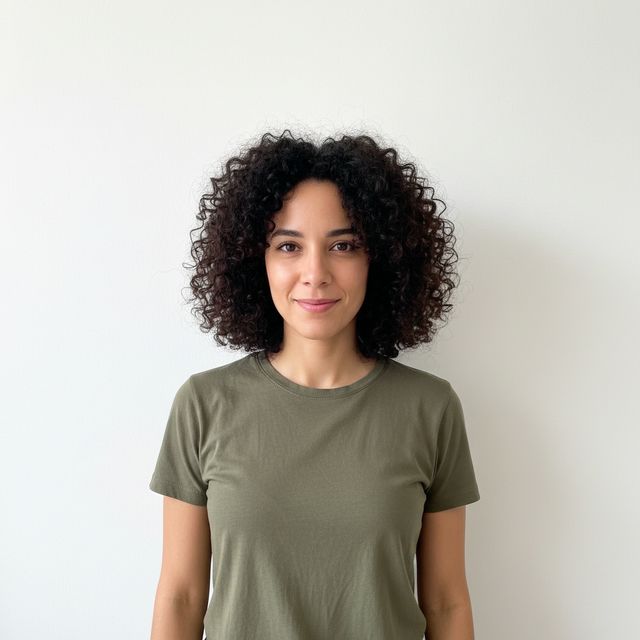
1. Plain wall, even light
Stand in front of a plain white or off-white wall in bright, even daylight. Step several feet forward so your shadow falls behind you, out of frame, and keep overhead lights off; side windows light a face more evenly.
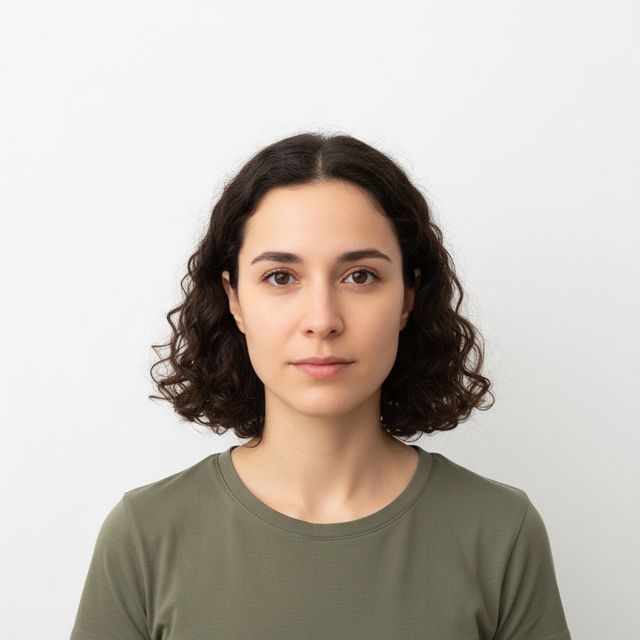
2. Face the camera, leave headroom
Face the camera directly with a neutral expression or a closed-mouth smile, eyes open, glasses and hats off, hair clear of the face. Frame from the chest up with visible space above the head; the maker needs that margin to crop the head into the published band.
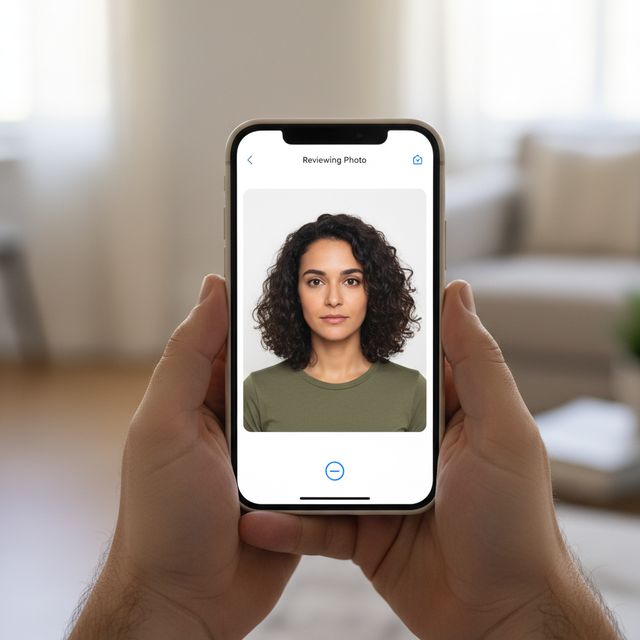
3. Review, then upload the original
Pick the sharpest shot and upload it exactly as taken: no filters, no retouching apps, since the rules require the original photo. The checker verifies the file figures free, and the maker handles framing, size, compression and the background.
Shooting with an iPhone? The iPhone passport photo guide covers camera distance, Portrait mode and the HEIC format. Photographing a child instead? Babies get their own carve-outs and one strict rule; see the baby passport photo requirements.
One maker, every US photo document
The same engine produces the US passport photo (2 x 2 inch print for DS-11 and DS-82), the DS-160 visa photo (square JPEG, 600 to 1200 pixels), the DV lottery photo (exactly 600 x 600), the 2x2 photo, digital photos for online renewal, and the printed photos USCIS forms ask for, from Form I-485 to N-400. Each runs against that document's own published figures, quoted with check dates across all 23 immigration photo documents.
Convert and crop any photo to 2x2
The maker doubles as a passport photo converter and cropping tool: give it any portrait and it converts the photo to the 2 x 2 aspect, crops the head into the published 50 to 69 percent band, resizes to your document's exact pixels (a 2x2 photo converter for USCIS prints, exactly 600 x 600 for the DV lottery, 600 to 1200 for the DS-160), and compresses under the file limit. There is no manual dragging of crop handles and no guessing at the aspect ratio; the published figures do the cropping.
Editor, generator, cropper: what those tools actually do
Whatever name you searched for, a passport photo editor, a passport photo generator, an online cropper, they all describe the same job this maker does: take the passport pictures you shot on a phone and output a file that meets the published rules. The honest difference is what "editing" is allowed to mean. Cropping, resizing, compressing, and replacing the background where a document permits it are formatting, and the maker does all of them. Editing the face itself, smoothing skin, opening eyes, removing glare, is prohibited by the State Department, which requires unedited photos and says it checks. A generator that retouches faces is generating rejections. And the photo taker is you: the State Department's guidance describes taking the photo yourself, so the tool's job is everything after the shutter.
The same engine answers every other name for the job: a passport size photo maker, a free passport photo maker online (the preview costs nothing), a passport photo creator, a passport photo editor free of face retouching by design, a passport photo cropper that will convert a photo to passport size, and an AI passport photo maker in the only honest sense: AI replaces the background where rules allow, never your face. Even the passport photo template searchers want is here in its useful form: the 4 x 6 print sheet, six copies laid out to cut, plus the printing guide.
What the maker will not do
It will not retouch your face, smooth skin, or fix a smile with teeth showing, because the State Department prohibits edited photos and says it checks. It will not invent pixels a photo does not have: a head cropped at the crown gets an honest retake message, not a fake result. And it will not sell you a green card photo, because since December 12, 2025 USCIS only accepts photos it captures itself at biometrics.
Passport photo maker questions
How do I make a passport photo at home?
- Take a phone photo against a plain light wall in even light, upload it here, and the maker does the rest: it places your head inside the officially published band, sizes the frame to your document's exact figures, compresses under the file limit, and replaces the background with compliant white where the document's rules allow editing. The watermarked preview is free; the clean file and print sheet are $9.99.
Is the passport photo maker free?
- Checking your photo and previewing the fixed version are free, with a watermark. The full-resolution photo with no watermark, plus the 4 x 6 inch print sheet with six copies, is $9.99, delivered by instant download and email with a 30-day download window.
Which documents can the maker produce photos for?
- Nineteen US documents: the US passport (DS-11 and DS-82), US visa and DS-160, DS-260, the DV lottery's exact 600 x 600 photo, the 2x2 standard, online passport renewal, and USCIS forms including I-485, I-765, I-130, I-751, I-129F, I-131 and the N-400 family. It refuses to sell what cannot be submitted: green card photos are captured by USCIS at biometrics since December 12, 2025.
Does the maker edit my face?
- Never. The rules themselves prohibit retouching: the State Department instructs applicants to submit unedited photos and says it checks for AI manipulation. The maker only reframes, resizes, compresses, and replaces the background where a document's rules allow it. Your face stays exactly as photographed.
Is this a passport photo editor?
- It edits everything the rules let a tool edit: framing, size, resolution, compression, and the background where a document allows replacement. It never edits your face, because the State Department requires unedited photos and says it screens for manipulation. If you want a free passport photo editor that smooths skin or fixes closed eyes, that edit is the kind that gets photos rejected.
How do I print the photo it makes?
- The paid download includes a 4 x 6 inch print sheet at 300 DPI with six 2 x 2 copies laid out. Print it at any pharmacy kiosk or photo counter as a standard 4 x 6 print on glossy photo paper and cut along the grid.
Make your photo once, correctly
Checked against the published rule before and after, previewed free, and never retouched beyond what the rules allow.
Make my photo